User
As a user, you request a one-time emergency user in ISPICIO_E, log on to the SAP system with it and answer the reviewer’s queries.
Open the portal
-
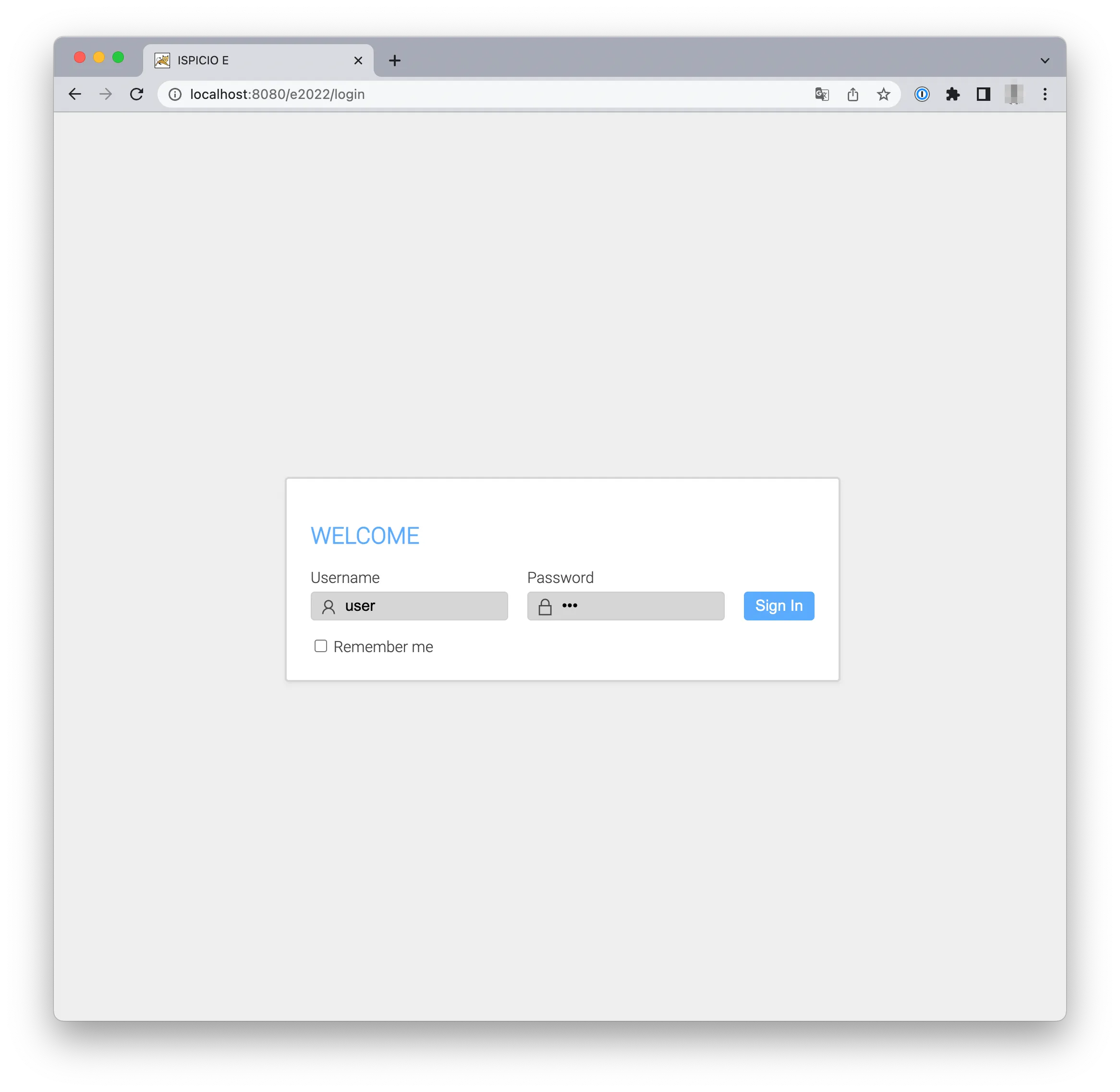
Open the address of ISPICIO_E in your browser. In the example, ISPICIO_E runs on the local computer:
localhost:8080/e2022Your admin will tell you the address of your installation.
-
Enter your Username and Password and click Sign In.
Request an emergency user
-
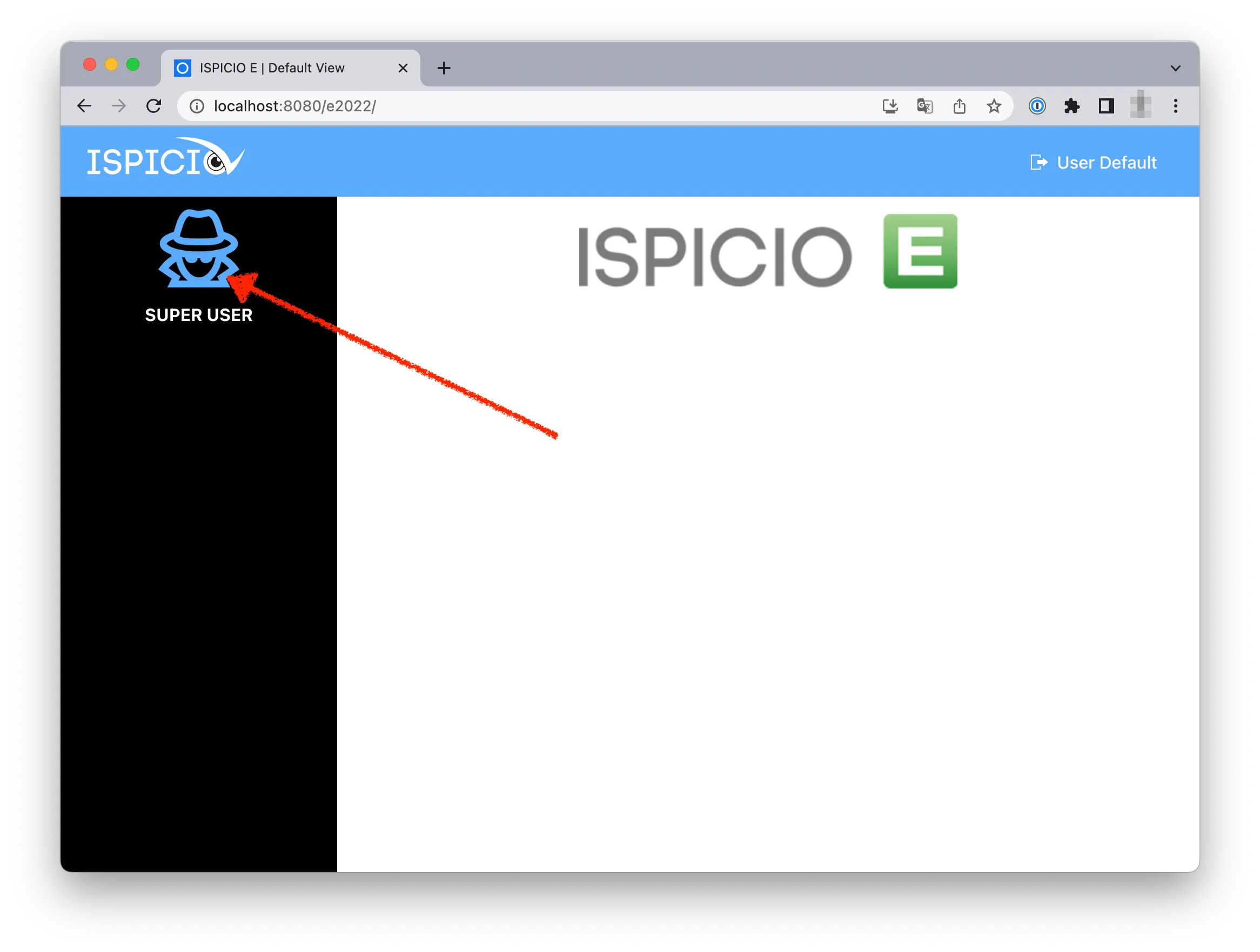
Click SUPER USER in the menu on the left.
-
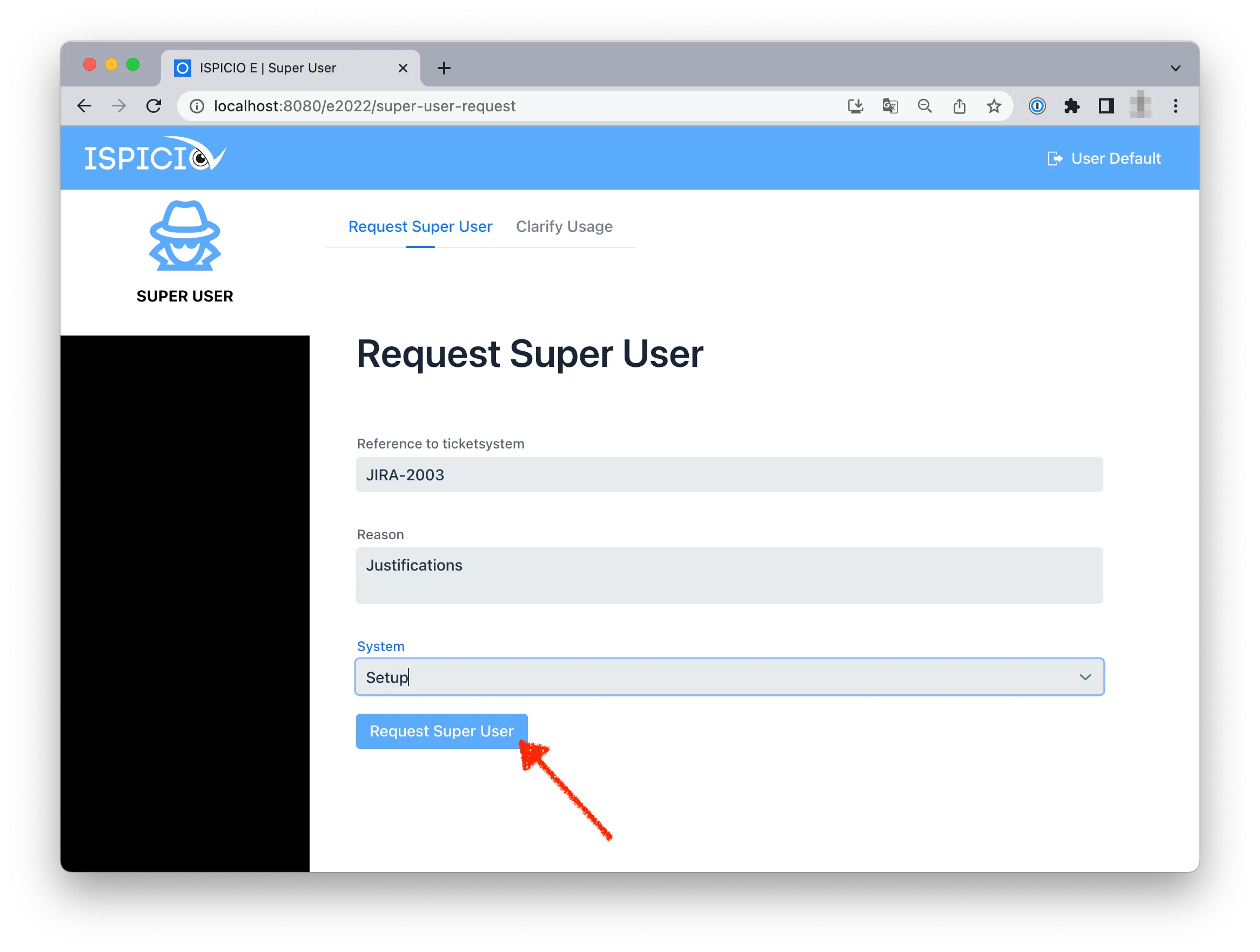
Fill in the mandatory fields: Reference to ticketsystem (the ticket the work belongs to), Reason (why you need the emergency user and what you will use it for) and System (the SAP system you want to work in).
-
Click Request Super User.
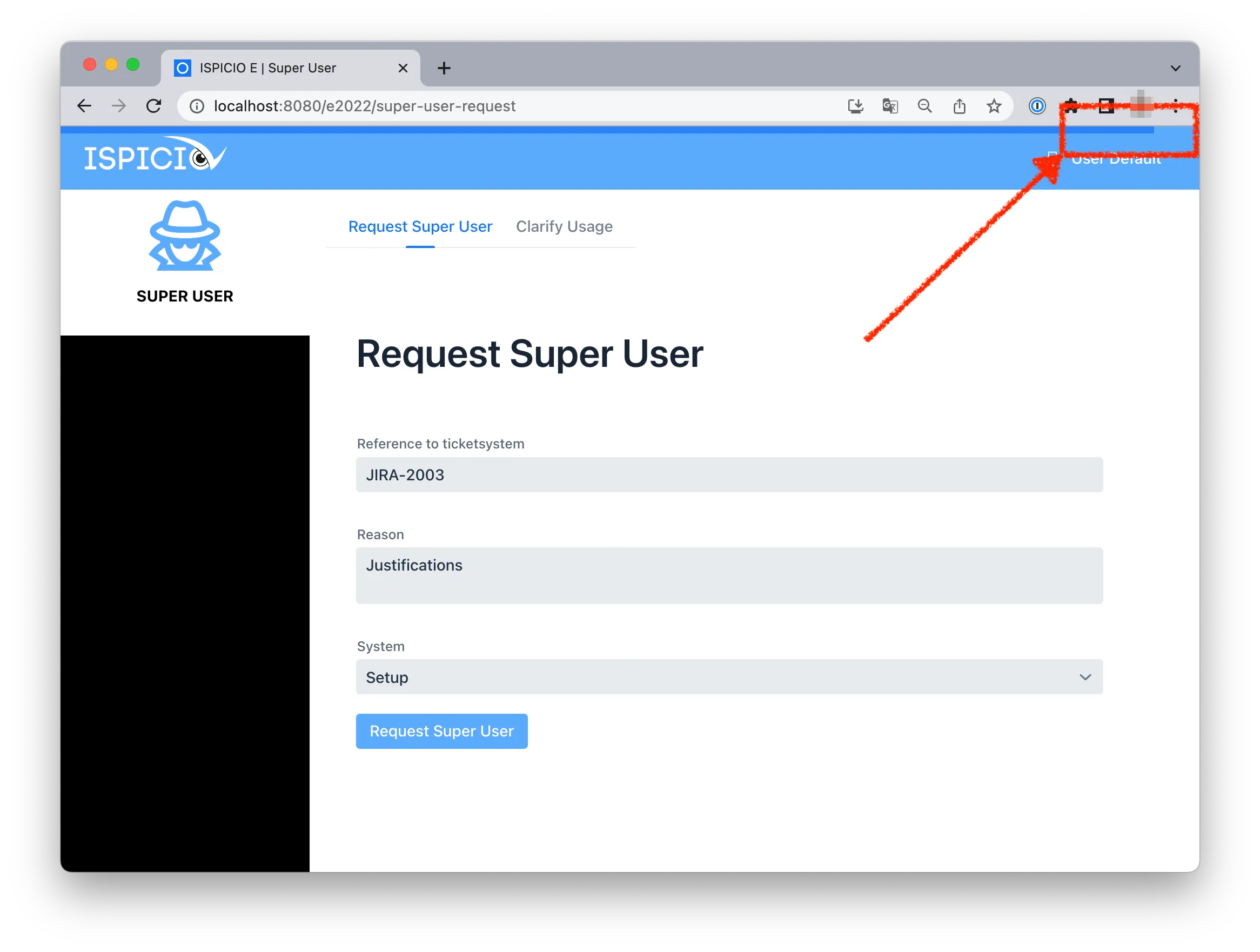
A progress bar at the top edge of the page shows that ISPICIO_E is creating the emergency user.
-
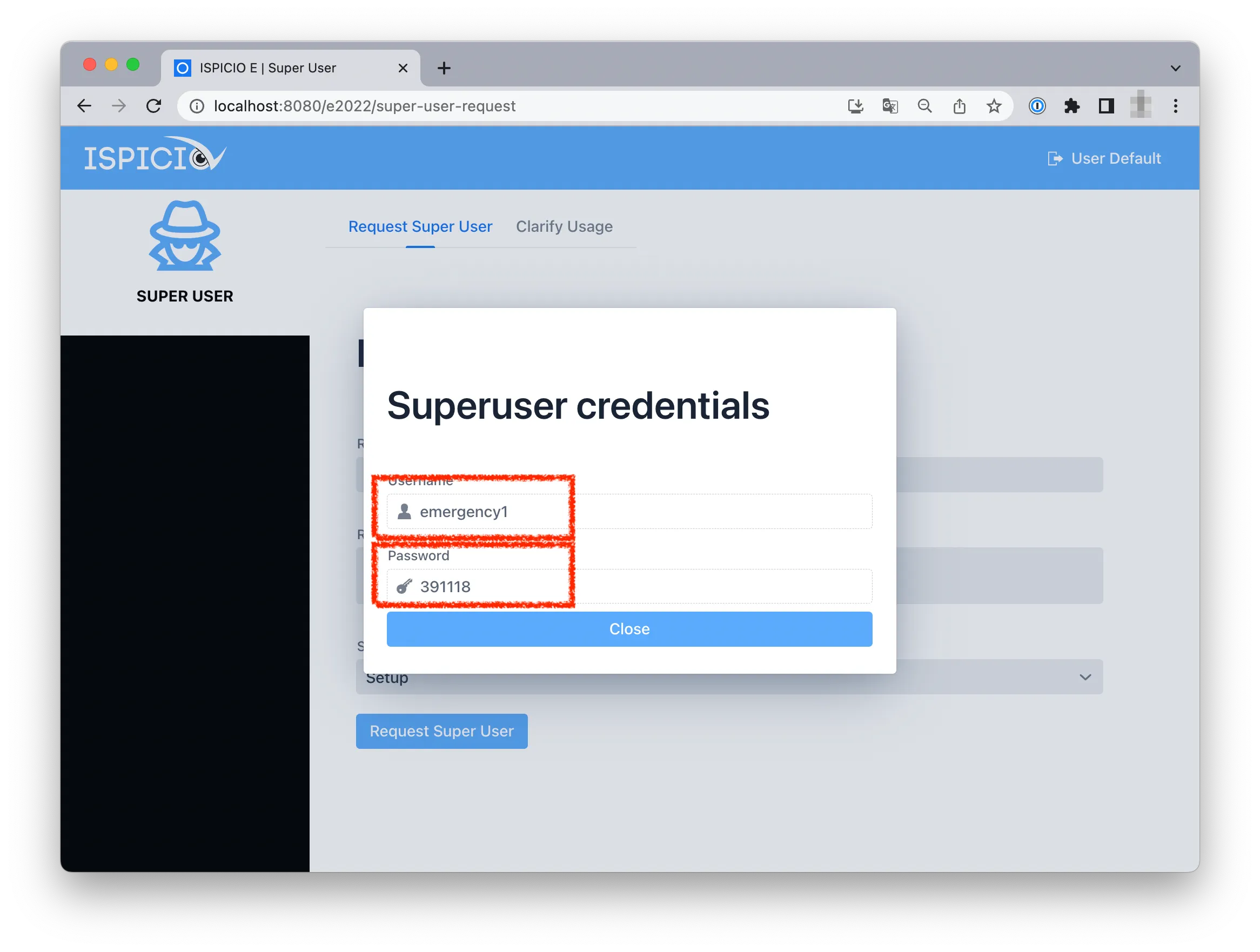
As soon as the emergency user has been created, the Superuser credentials window shows its Username and Password. Copy both and click Close.
-
Log on to the SAP system with these credentials and carry out your work.
-
Log off from the SAP system when you are done.
Answer a query from the reviewer
If a reviewer has a query about your session, ISPICIO_E notifies you by email.
- Log in to ISPICIO_E and click SUPER USER.
- Open the Clarify Usage tab. It lists the sessions with an open query.
- Click the entry. The reviewer’s query is shown under Comments.
- Click Clarify, enter your answer in the Add comment window and click Add comment.
- Repeat these steps until the list is empty.
The screenshots for these steps are on the Reviewer page.